

Written by Duplo USA
One of the most popular solutions in print finishing.
It’s not just the ability to finish full-bleed applications with precision that makes the Slitter/Cutter/Creaser a must-have for print shops. These fully automated machines reduce the learning curve for inexperienced operators, as the intuitive operator screen and high level of automation require no prior experience to run.
The Duplo Slitter/Cutter/Creaser offers a range of unique features that simplify processing new applications and enhance workflow efficiency. Let’s dive into what you can do with them.
1. Process Applications with Raised UV Coating
Specialty finishing, including raised, textured, and spot UV coatings, is gaining popularity. These coatings add a dimensional touch and feel to printed products. Raised UV, in particular, enhances visual appeal by bringing images to life, highlighting details like grooves on a football or droplets on a bottle.
The Slitter/Cutter/Creaser, with its soft sponge roller system, can accurately process applications with raised UV coating. The sponge rollers conform to the thickness of the coated sheet, gripping the paper as it moves through the finishing process.
Unlike a guillotine, the Slitter/Cutter/Creaser each sheet is individually clamped and cut, maintaining accuracy, not tearing the sheet or crushing the raised UV coating.
With the sponge rollers on Duplo’s Slitter/Cutter/Creasers, the application won’t get scratched or damaged. Sheets with this coating are often slippery and can slip under metal rollers, leading to registration loss and inaccurate finishing.
2. Create a Templated Barcode Workflow with Fiery and Your Duplo Slitter/Cutter/Creaser
Users with Command WorkStation and Fiery Impose can easily create multiple-up jobs. They can use Duplo-based imposition templates within Fiery, applying barcodes and registration marks that the Slitter/Cutter/Creaser can read. Fiery integrates these Duplo features directly into its Command WorkStation, enabling a seamless workflow. This allows printers to set up templated barcode workflows, so the Slitter/Cutter/Creaser can run automatically without operator input.
Duplo offers imposition templates for Command WorkStation that match the finishing templates on the Slitter/Cutter/Creaser. These templates come pre-set with measurements for margins, gutters, and finished sizes, cutting setup time.
Learn more: How you can integrate your Slitter/Cutter/Creaser with Fiery
Using barcodes helps reduce errors. As sheets are fed, the scanner reads the barcode on each one. If it detects a sheet for a different job, the Slitter/Cutter/Creaser recalls the correct job and automatically switches over.
Image shift is a common issue in digital printing. The Slitter/Cutter/Creaser reads registration marks to ensure sheets are finished correctly. If it detects an image shift, it adjusts in all four directions to compensate. This happens automatically, ensuring accurate finishing with no supervision required.
Watch this video demo on registration marks to see the scanner and image compensation in action.
3. Add In-Line Folding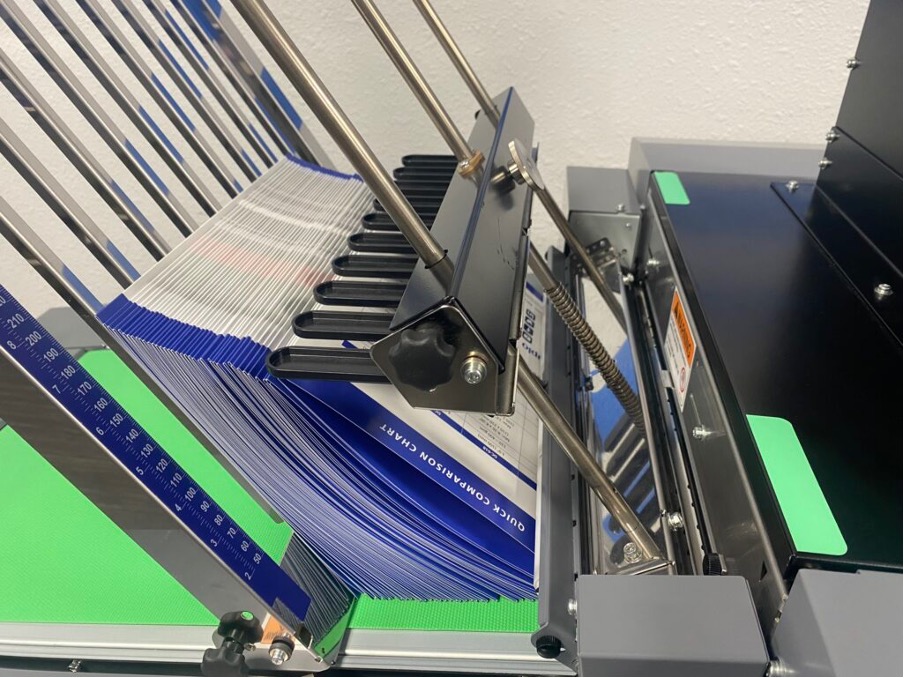
Print shops often deal with work that requires folding, such as tent cards, direct mail, or tri-fold brochures. Every step in post-press adds costs, and setting up a separate folder means more time spent on make-ready. With a Slitter/Cutter/Creaser, printers can eliminate an extra setup by adding an in-line knife folder using the Duplo Integrated Folding System on the DC-746 or the DC-F100 In-Line Folder for the DC-648 and DC-618.
The option to upgrade to in-line folding as business grows is a major advantage. Adding the in-line folder allows operators to go from flat sheets to finished pieces—cut in both directions, creased, perforated, and folded in one pass.
Watch this video demonstration of the DC In-Line Folder with the DC-618.
4. Produce Tiny Cards
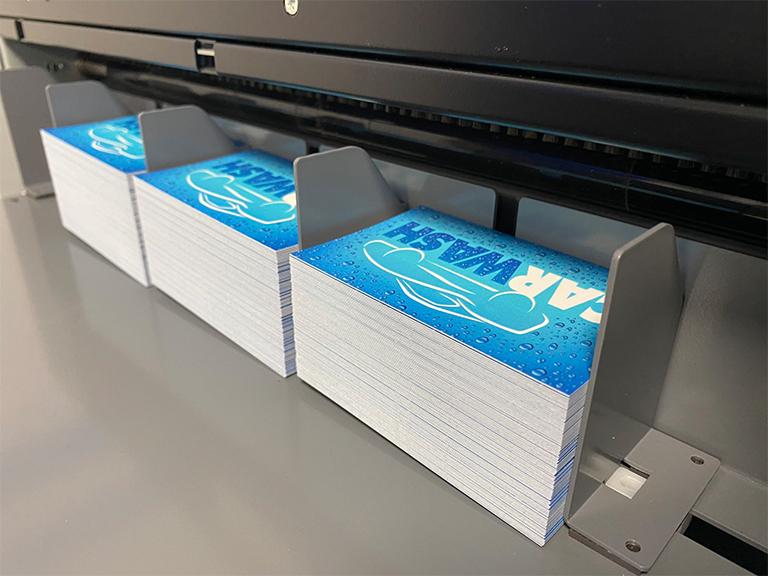
The Slitter/Cutter/Creasers offer incredible versatility, now with the new “Process All” feature on select models. This allows operators to produce cards as small as 28 x 48mm (depending on the model) a major enhancement to these already capable machines.
5. Finish Long Sheet Applications
Many newer digital presses can print long sheet applications, and the Duplo Slitter/Cutter/Creaser is adjustable to handle sheets up to 1200mm long (depending on the model). It maintains accuracy with on-the-fly image shift compensation. Operators can bleed-trim long sheet applications to their finished size, and also print more items on each sheet, reducing print costs for applications like business cards and brochures. These longer sheets are fed through the machine and processed just like standard SRA3 sheets.
6. Add Interchangeable Tools to Your Duplo Slitter/Cutter/Creaser
Duplo’s rotary tool modules (RTM) come with interchangeable wheels, eliminating the need for multiple modules. Each RTM includes standard perforation, micro-perforation, rotary score, and slit-score tools. Operators can easily swap tools to suit different applications.
For instance, a simple tri-fold piece with a reply card, typically printed 2-up on a SRA3 sheet, can be processed with a perforation and score in the paper path direction. By using the same RTM for both scoring and perforating, along with bleed trimming, operators can complete the job in a single pass, improving efficiency and reducing equipment costs.
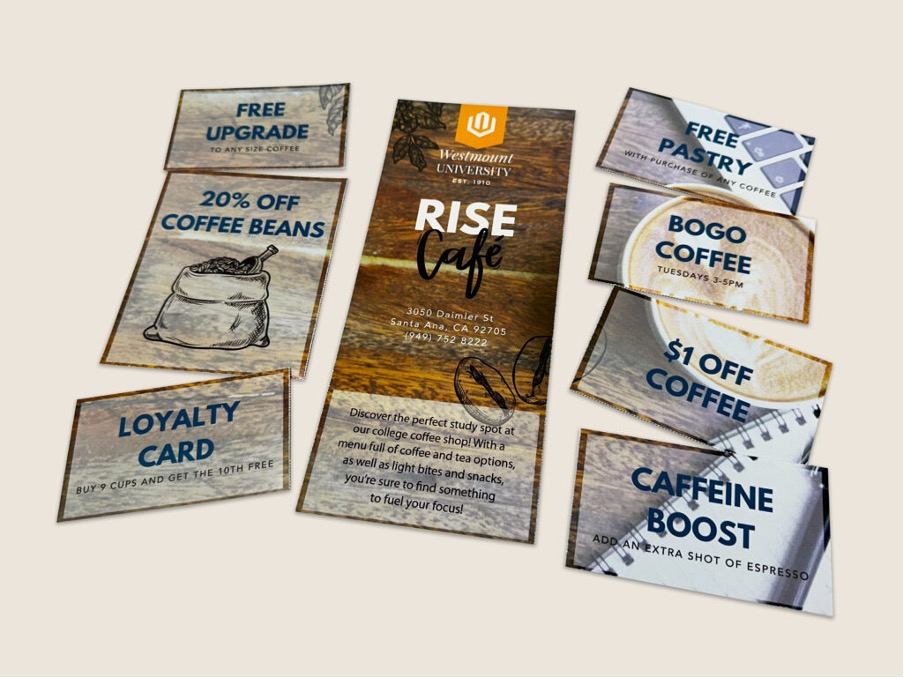
The rotary tool and cross-perforating modules also allow for the creation of coupon applications with custom T- and L-shaped perforations, all in one pass.
With the Duplo Slitter/Cutter/Creaser – whether it’s the DC-746, DC-648, or DC-618 – print service providers can streamline their workflows, cutting labour costs and reducing downtime while boosting productivity. Remember…the fewer touchpoints there are, the more profits there will be! Request a demo today.